Weinre stands for WEb INspector REmote. There are already numerous tutorials about this tool on the internet, but I still want to note it for myself or everyone else just want to get it work without getting details.
1 Install Node.js
Weinre depends on node.js, so we need to install node.js first.
There are two ways to install nodes.js. One is using homebrew or other CLI package management tools to install. On Mac is like this:
username$ brew install node
Or you can simply download and install package from the node.js site.
2 Install Weinre
After node.js is installed, now you can install weinre through this command:
username$ sudo npm -g install weinre
3 Run Weinre
In weinre, there are 3 terminologies. We will take a quick look:
- Debug Server - just a…server, we will use our browser to connect to it.
- Debug Client - web inspector, we will use in later in browser to inspect our page.
- Debug Target - your web page, also refers to mobile device.
Time for running weinre. In most case we will only need to run:
username$ weinre --boundHost
Default option is localhost, but we won’t connect to localhost because that won’t do the debug thing for our page.
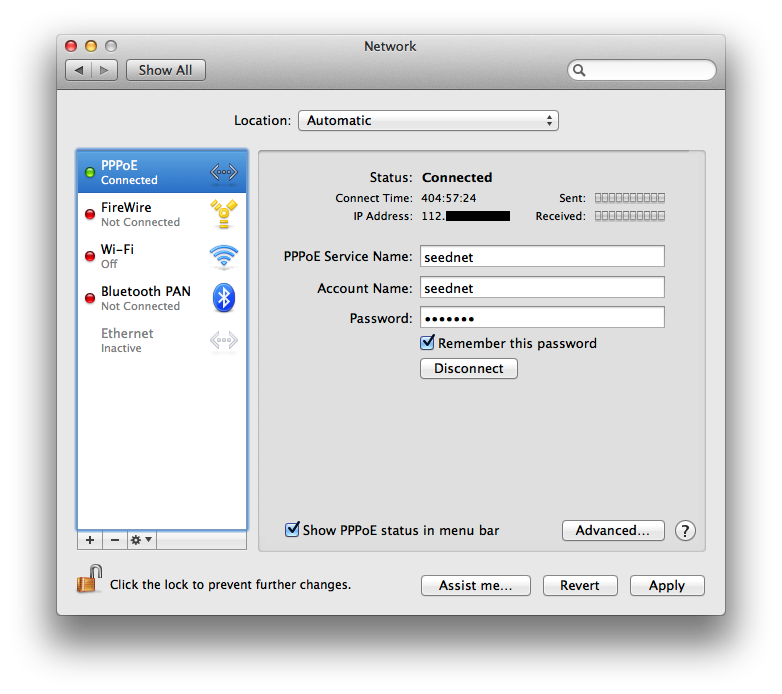
We use real ip address here. To lookup our computer’s real ip address:
On Mac open system preferences -> network
On Windows type cmd and run
> nslookup
So we finally run this command instead.
username$ weinre --boundHost [your ip address]
Now type [your ip address]:8080 in browser. You should see weinre page, and click link next to debug client user interface in Access Points to bring up our page’s inspector.
4 Inject Scripts
Before we start debugging we need to let our page response infomations which weinre needs through JavaScript. Weinre provides two ways to do:
- Inject script codes - once the page is ran, it will link to our server automatically, but only for specific pages we assigned to.
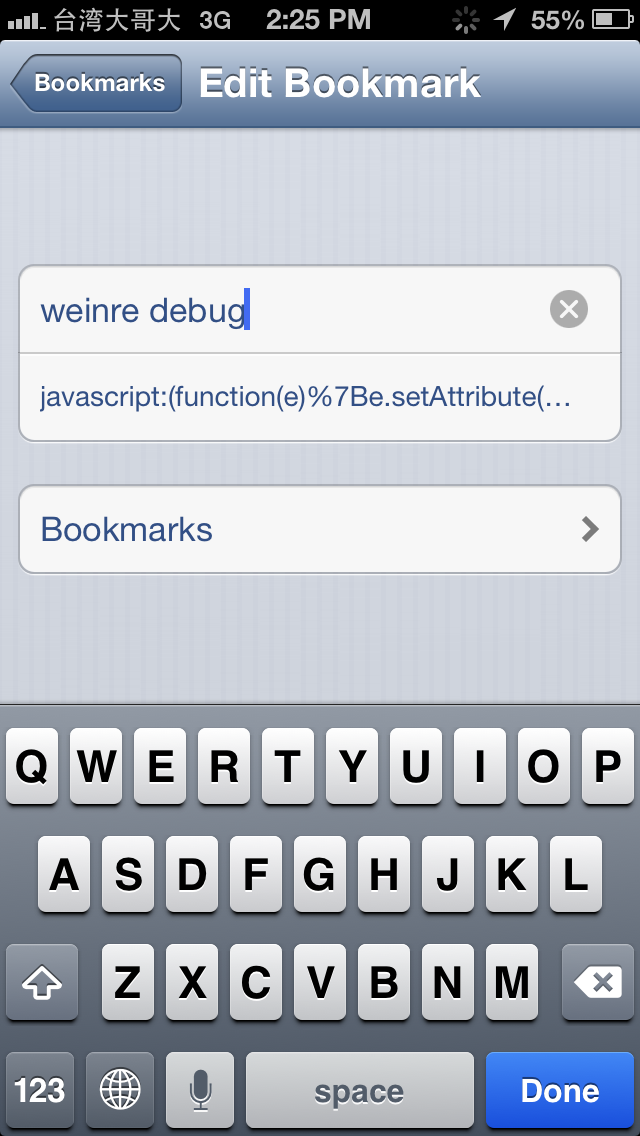
<script src="http://[your ip address]:8080/target/target-script-min.js#anonymous"></script> - Bookmarklet - simply make a bookmark on your phone browser device. I named it weinre debug on my iphone.
javascript:(function(e){e.setAttribute("src","http://[your ip address]:8080/target/target-script-min.js#anonymous");document.getElementsByTagName("body")[0].appendChild(e);})(document.createElement("script"));void(0);
5 Debug Page
Our example target.
1 |
|
Run username$ python -m SimpleHTTPServer in this file’s directory, and use your phone to browse.
If you are using method 1 - inject script codes, you can start your testing immediately.
If you are using method 2 - bookmark, after pages is loaded, bring up bookmark page and run weinre deubg you just added, and finally, start testing.
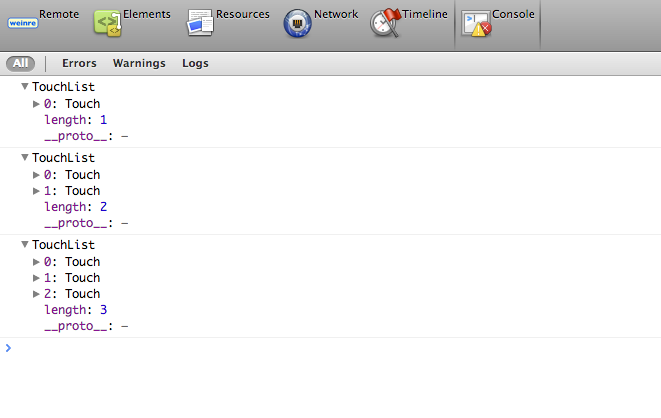
Tap some on the little green rectangle will get you some responce.
6 Misc.
There is an online service will let you run weinre in an extreme simple fashion, but it seems broken at the time my post was written.
PhoneGap with Weinre can be a nice cooperation.
Since you can debug easily with weinre, everyhing shuold be able to work beautifully, right?
Nope.
Although weinre is convenience, the most common debug technique is not avaliable in weinre’s toolbelt:
1 |
|
It seems weinre loads a bunch of things before console is ready, but you can still use event register way to invoke console.
1 |
|
Also weinre doesn’t support remote script debugger.